



Project
Unsplash Clone
Javascript
Async Javascript
3rd party API
Dom Manipulation
Duration
3 weeks
Medium
Introduction
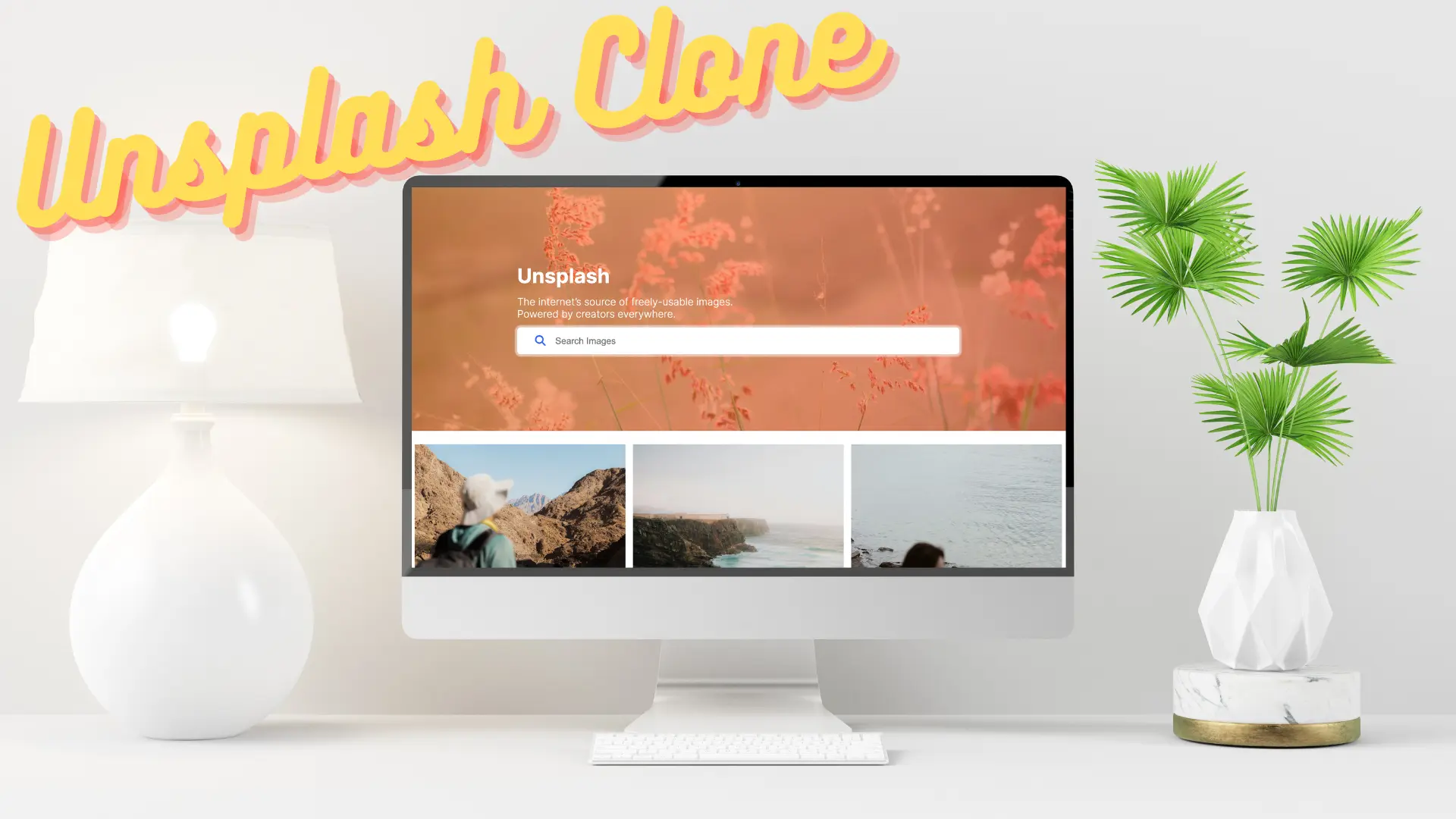
Embark on a journey of web development and design as you recreate the captivating Unsplash app, a platform that has revolutionized the world of royalty-free photography. Through this project, you'll gain hands-on experience in crafting user interfaces using HTML and CSS, while also mastering the art of dynamic interactions and data manipulation with JavaScript.
Prerequisites
- Required working knowledge of HTML & CSS and Javascript.
- This is a medium-difficulty project. It is recommended to build Memory Game project before this.
Requirements
Please refer to the above video to get a visual walkthrough of the project requirements.
Features
- Add a hero section with a search bar and a random background image.
- Fetch the initial images from Unsplash API.
- Add search images based on the query submitted.
- Show placeholder image till image load.
- Add a responsive column masonry layout.
- Add infinite scroll using Intersection Observer API.
- On hovering over images show the user info and download the original image button.
- Add a modal to show large and high-quality images.
- Add a dropdown button to download images in different sizes.
- Add the Move to Top floating action button.
General
- Use the IMG tag srcset attribute to load responsive images based on the viewport width.
- Use animation where needed.
Roadmap
Below is the weekly breakdown of how to approach the project. This is how an actual developer would approach and build the project.
Add a hero section and search functionality
Tasks
- Add a hero section with a search bar and a random background image.
- Fetch the initial images from Unsplash API.
- Add search images based on the query submitted.
Add row masonry layout with placeholder images and implement infinite scroll.
Tasks
- Show placeholder image till image load.
- Add a responsive column masonry layout.
- Add infinite loading using Intersection Observer API.
- On hovering over images show the user info and download the original image button.
Show an enlarged image in a modal with a download dropdown. Add a floating action button on the bottom right corner.
Tasks
- Add a modal to show large and high-quality images.
- Add a dropdown button to download images in different sizes.
- Add the Move to Top floating action button.
Helpful Resources
- Unsplash API to fetch Images.
Starter Files
Contributor(s)
John Doe
Founder and Fullstack Developer at freeCodeProject.org
Created this project.